
Shoot What
Others Can't.

One high-speed shot can elevate an entire sequence.
See how filmmakers make that moment land.

See Where High Speed Fits

Where High-Speed Shots Make an Impact.

From fast-paced action to the smallest reaction, see what high speed can bring to your next project.

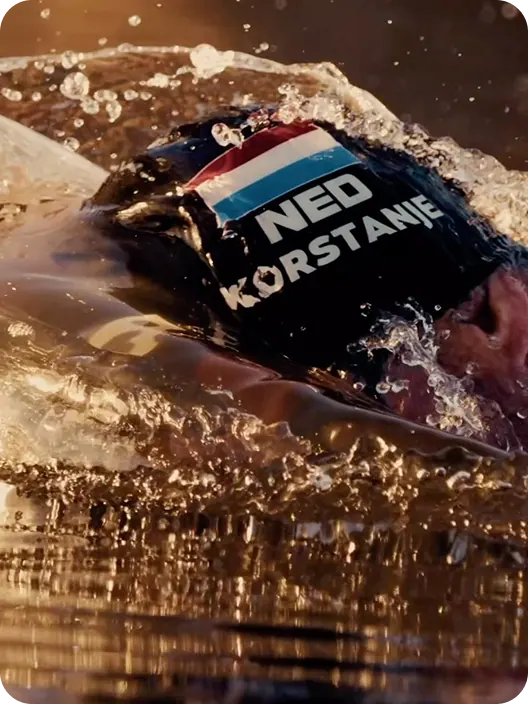
Sports & Action

A tire bites into the trail and dirt flies. One shot puts the audience right at the point of impact.


Events & Emotion

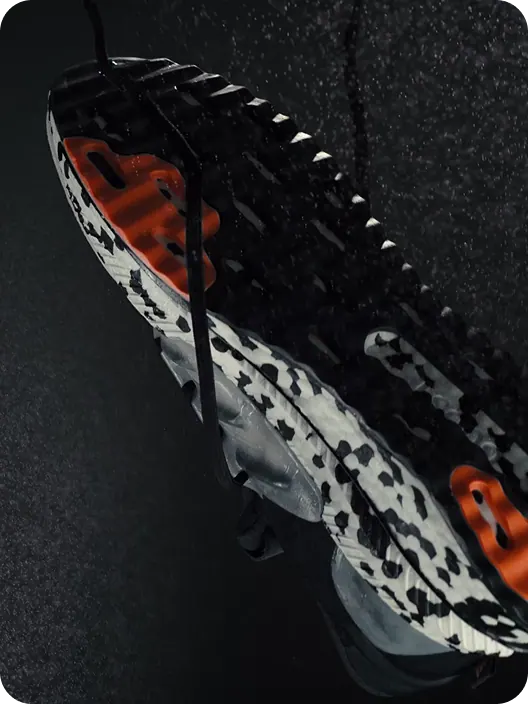
Product & Creative

Nature & Wildlife

So Why Isn't High Speed Used More Often?

High-speed cinematography can give an action sequence its punch or a product film its defining image. But for most small crews, it's always meant a complicated setup for a few seconds of final cut. So it's been kept for special projects, not everyday work.

Budget

The price keeps it off most shoots.

The camera package, specialist crew, and transport can add up fast. On a tight production budget, high speed often gets reserved for a handful of hero shots.

Crew

Another team to coordinate.

A high-speed shot can mean bringing in a specialist, coordinating with your camera and lighting teams, and finding a time that works for everyone.

Setup

Hours of setup. Seconds of footage.

High-speed setups often mean extra lighting, extra power and a dedicated rig, plus waiting to offload between takes. Unplanned moments rarely make it on camera.
What If High Speed
Could Be Part of Every Shoot, Not Just the Hero Shots?

Meet Pixboom Spark

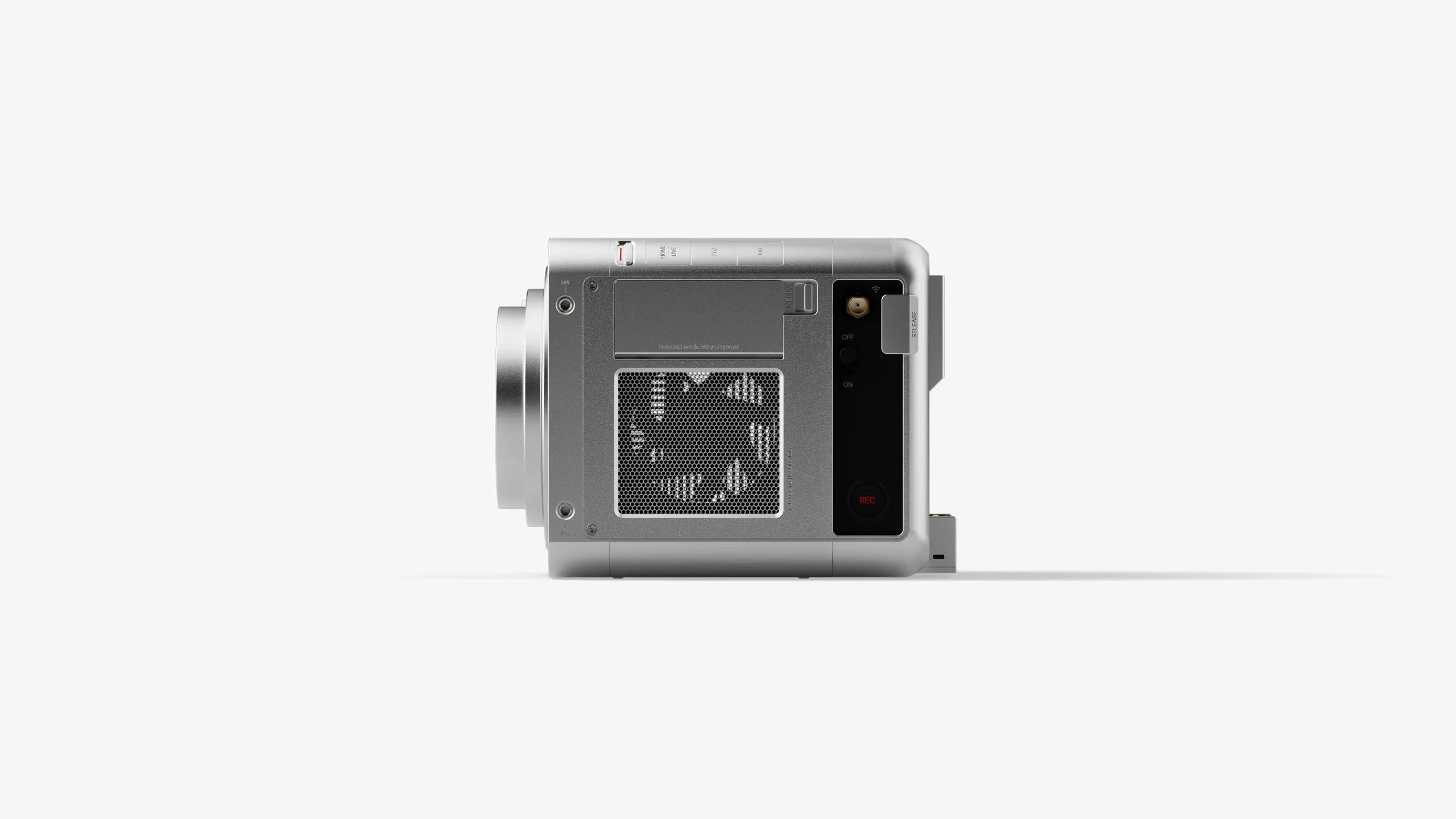
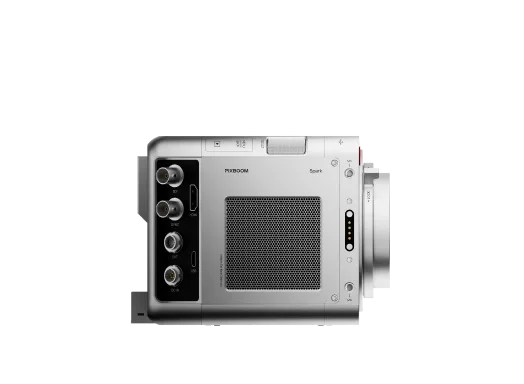
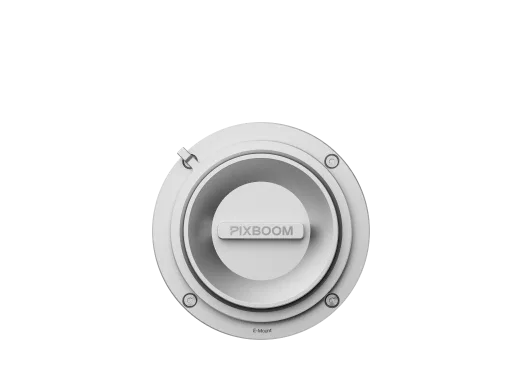
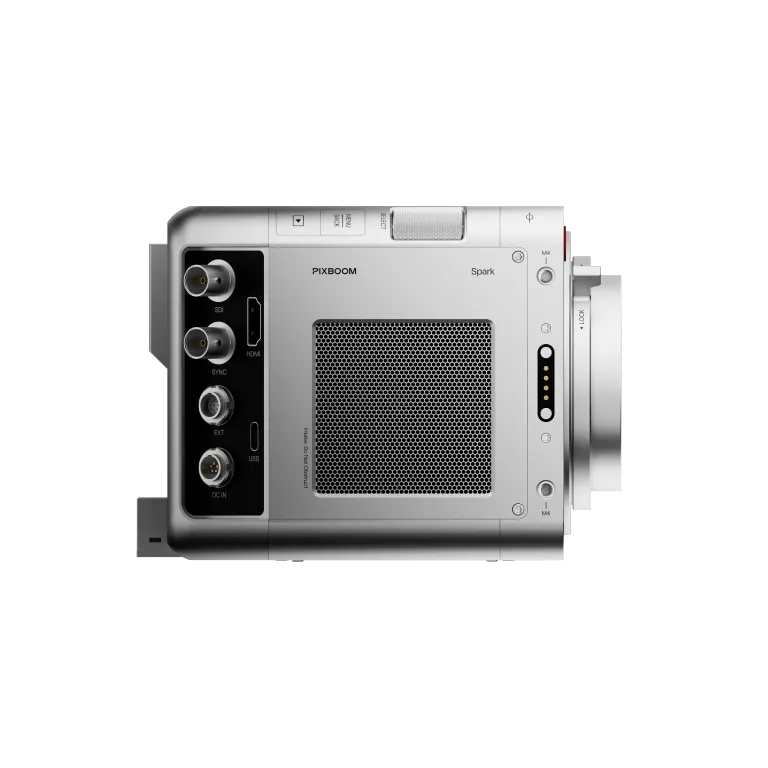
Side view of the silver Pixboom Spark cinema camera

Pixboom Spark is a compact cinema camera that puts high-speed cinematography within reach of more filmmakers. Whether you're a small crew or a full production team, it fits into the projects already on your slate and sets up fast enough to catch an idea when it shows up on set.



Explore Pixboom Spark
Water droplets and stones caught in motion.

More Room to Work in Low Light

Higher frame rates mean less light per frame. Spark's back-illuminated sensor helps make up the difference, so you can use fewer lights to get the shot.
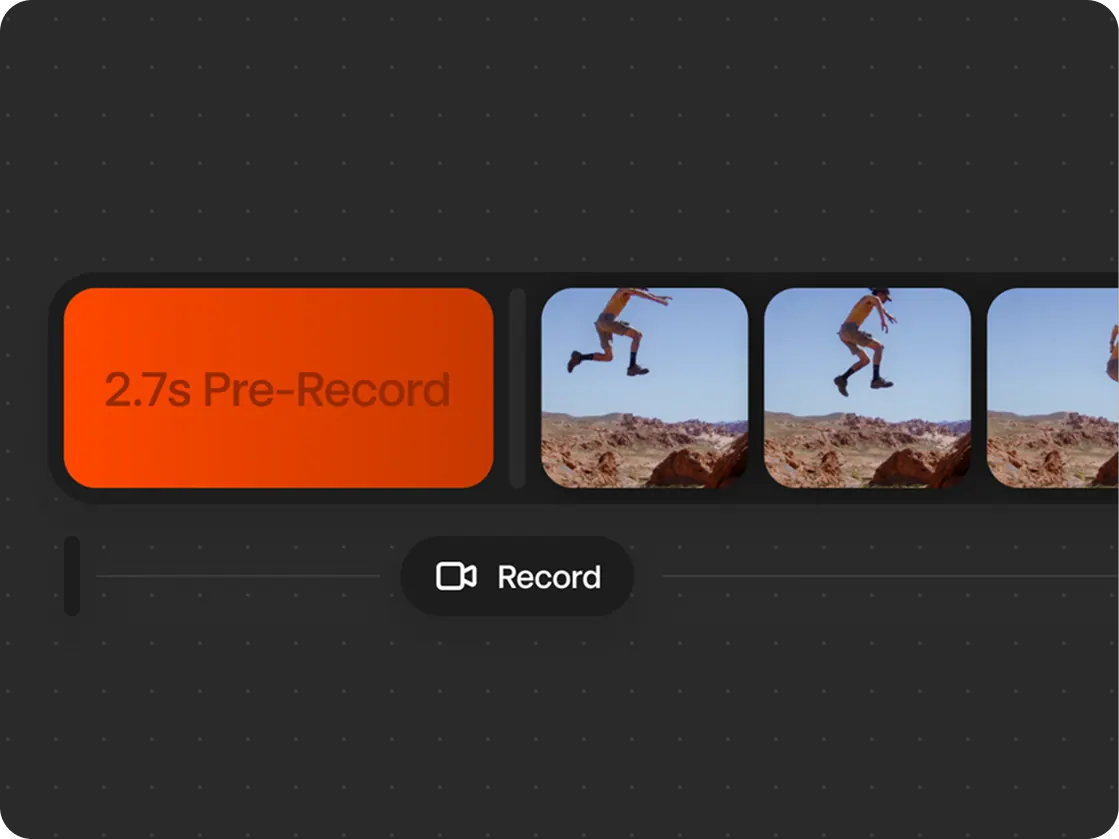
Pre-recording timeline capturing a jump before and after recording starts.

Keep Rolling Through the Action

With continuous recording to SSD, you can start rolling before the moment happens and let the action play out.

Your High-Speed Workflow Just Got Simpler.

Pixboom Cine App — available on macOS & Windows.

See How Filmmakers Put Spark to Work.

A first-timer on a mountain bike trail. A product shooter in a converted bedroom studio. An Emmy-winning cinematographer in a sealed water housing. Here's how each of them set up, and what they got.

A surfer riding inside a breaking wave

Out in the surf

Shooting the world's best surfers from inside a sealed water housing.

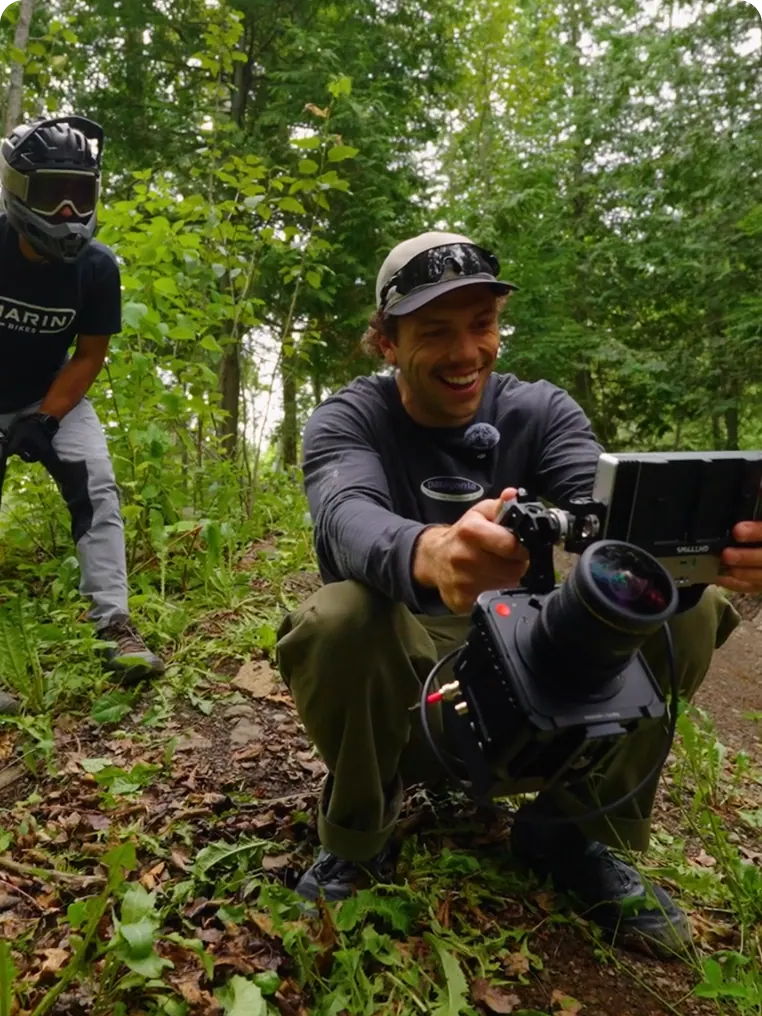
A filmmaker filming a mountain biker in the forest

First high-speed shoot

Straight from the backpack. No monitor, no plan, and one of the best shots of the day.

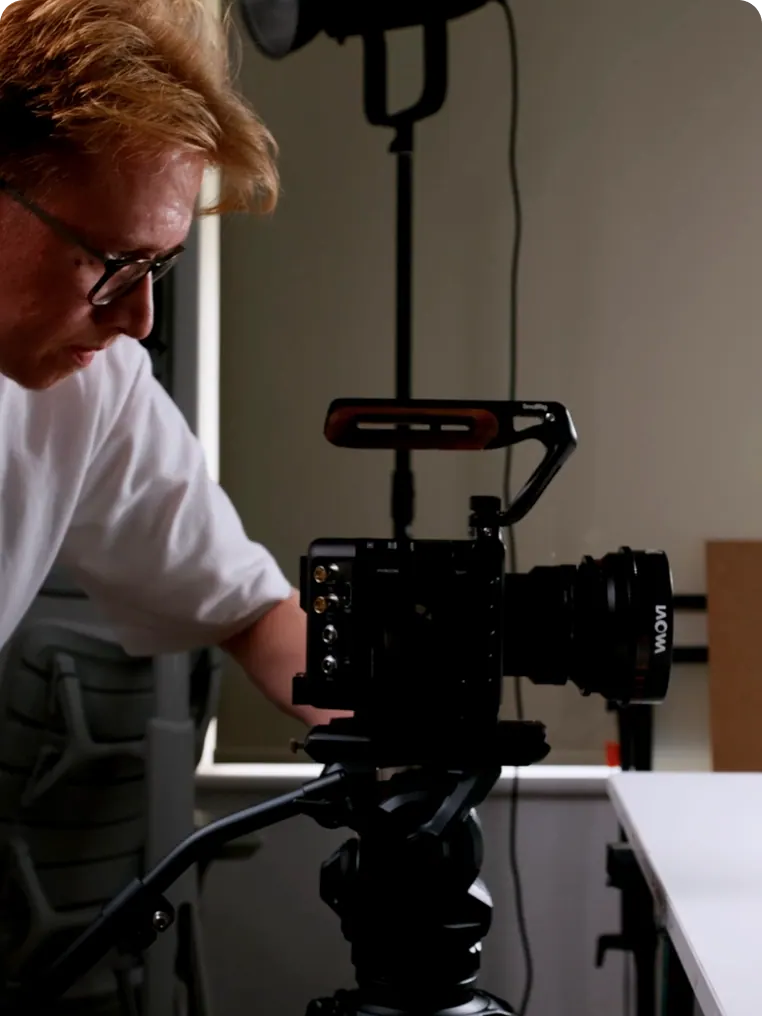
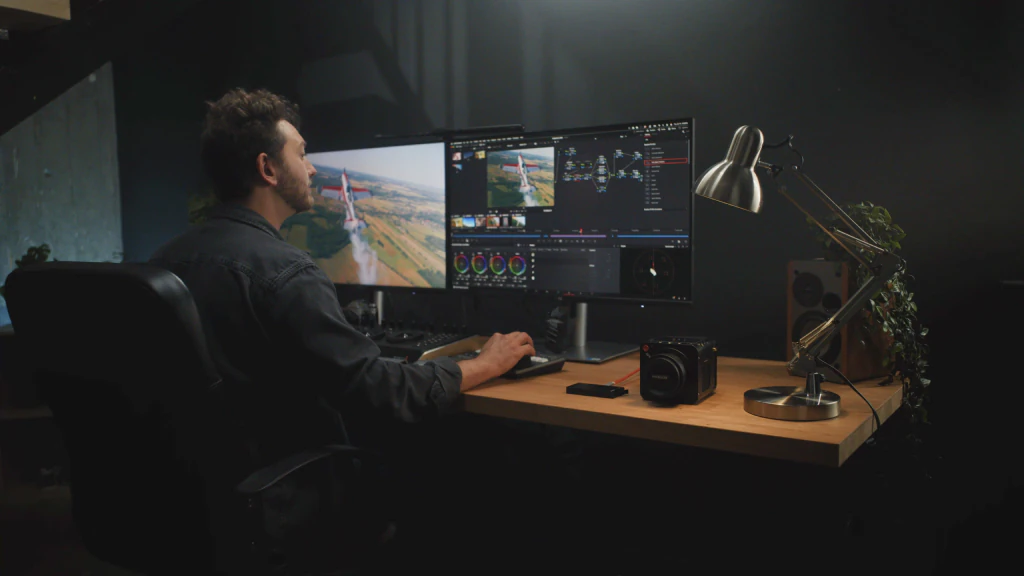
A filmmaker operating a Pixboom camera in a studio

Shot in a home studio

1000fps product work in a converted bedroom, with half the lights he used to need.

Bring High Speed Into Your Productions.

Practical notes from crews already shooting it: what to shoot, how to light it, and how to run it alongside your main camera.
The Specs Behind the Shot.

Have a shot in mind? Check if Spark fits your next shoot.

Frame Rates & Resolutions

At 2K
1,800 fps
At 4K
1,000 fps
At 4.6K
670 fps

Sensor & Image

Sensor Type
S35 BSI Sensor
Sensor Readout
Global Shutter
Dynamic Range
13 Stops

Recording & Connectivity

Continuous Recording
Unlimited
Removable Storage
2.5TB SSD
Video Output
12G-SDI

Still Wondering If It's Worth Bringing High Speed In-House?

With high speed in-house, an idea you test between jobs can become a shot in your reel and a capability you bring to your next pitch.

On Set

Try it before the job.

Test a lighting setup, a camera move or a different frame rate between jobs, and see what works before you commit to it on set.

Keep the shots that used to get cut.

The slow-motion moment that fell off the shot list for budget or time can stay in.

Run it next to your main camera.

Your A-cam stays on the story. Spark picks up the moments that need speed.

In the Pitch

Show it, don't describe it.

Bring your own test footage to the meeting. It's easier to build a treatment around something the client can see.

Put high speed in the quote.

It becomes a line in your scope, not something you have to bring in from outside.

Get more out of one shoot day.

Deliver slow-motion versions and social cutdowns from the same setup.

FAQ

Specifications

Sensor Specs

Sensor readout

Global shutter

Sensor type

14.2 MP Super 35 mm global shutter CMOS

Sensor size

4608 × 3072 | 25.34 × 16.90 mm (diagonal: 30.46 mm)

Dynamic range

13 stops

Mount Type

Type

Interchangeable locking mount (E, EF, PL)

Electronic communication

Support

General

Weight (body only)

Approx. 2.42 lb (1.1 kg)

Material

Aluminum alloy

Dimensions (excluding the mount adapter)

4.25 × 4.33 × 5.12 in (108 × 110 × 130 mm)


(H × W × L, largest fixed dimensions)

Media type

Removable Pixboom Pro Card

Media type export speed

20 Gbps (USB 3.2 Gen 2×2)

Media export method

Export via Type-C without requiring any card reader

Screen

3.5 in, 6.22 M-dot, 16:9 screen

Battery attachment

Integrated V-Lock battery interface optimized for V-Lock battery

Power consumption

50 W

Environmental

Operating temperature

32 °F to 104 °F (0 °C to 40 °C)

Relative humidity

0 % to 85 % non-condensing

Storage temperature

-13 °F to 140 °F (-25 °C to 60 °C)

Recording

Max data rates

Up to 10 GB/s using Pixboom Pro Card

Pixboom RAW solution max frame rates
  • 4.6K Open Gate (3:2): 4608 × 3072 @ 670 fps
  • 4.6K (16:9): 4608 × 2592 @ 781 fps
  • 4.6K (2:1): 4608 × 2304 @ 887 fps
  • 4.6K (2.37:1): 4608 × 1944 @ 1025 fps
  • 4.6K (4:1): 4608 × 1152 @ 1724 fps
  • 4K (16:9): 4096 × 2304 @ 887 fps
  • 4K (2:1): 4096 × 2048 @ 994 fps
  • 4K (2.37:1): 4096 × 1728 @ 1171 fps
  • 4K (4:1): 4096 × 1024 @ 1926 fps
  • 2K (16:9): 2048 × 1152 @ 1724 fps
  • 2K (2.37:1): 2048 × 864 @ 2182 fps
  • 2K (4:1): 2048 × 512 @ 3625 fps
Supported formats
  • 4.6K (3:2 Open Gate, 16:9, 2:1, 2.37:1, 4:1)
  • 4K formats
  • 2K formats
  • Custom user-defined resolutions
Max. resolution

4.6K Open Gate (3:2): 4608 × 3072

Max. frame rate

Up to 3625 fps (depending on selected resolution)

Exposure control

Shutter angle adjustment

ISO
  • 400
  • 640
  • 800
  • 1250
  • 1600
White balance

Adjustable Kelvin (K) and CC (Green/Magenta offset)

Video outputs
  • SDI: 12G-SDI output
  • HDMI: HDMI 2.0 output
  • Sync Port: Genlock/Timecode support via extension port
Mechanical mounting
  • 1/4-20
  • 3/8-16
  • Multiple M4 mounting points
Cooling system

Active cooling with intake and exhaust ventilation

Recording media

Dedicated Pixboom Pro Card

Features

Remote control
  • Wi-Fi local area network for camera control
  • UART control via 9-pin EXT port
Wi-Fi/Bluetooth frequency band
  • 2400-2483.5 MHz
  • 5150-5350 MHz
  • 5725-5850 MHz

The 5G band is for indoor use only.

Max. RF power transmit
  • ≤20 dBm EIRP in the 2400–2483.5 MHz band
  • ≤ 20 dBm EIRP in the 5150–5350 MHz and 5470–5725 MHz bands
  • ≤ 13.9 dBm EIRP in the 5725–5850 MHz band (or ≤ 20/23 dBm EIRP where TPC is not supported)
Monitor outputs
  • Integrated touchscreen LCD with preview and camera control
  • 12G-SDI for 4K output
  • HDMI 2.0 for 4K output
Additional I/O[1]
  • Genlock through 9-pin EXT port
  • Linear Timecode (LTC) through 9-pin EXT port
  • GPIO through 9-pin EXT port

Software

Pixboom Control[2]

Access full camera controls and live preview from mobile devices.

Pixboom Cine

Pixboom RAW processing software (Windows & macOS)

Box Contents

Included Items
  • Pixboom Spark Camera × 1
  • Pixboom Pro Card 2.5TB × 1
  • Pixboom Mount Adapter × 1
  • 20 Gbps High Speed Type-C Cable × 1
  • AC Power Adapter × 1 [3]
  • Mount Adapter Shim Kit (6 pcs) × 1
  • Replace Screws × 2
  • User Manual ×1
  • Warranty Card ×1

[1] These features are under development and will require the upcoming Pixboom I/O Expansion Port accessory.

[2] These features are under development and will be enabled via future firmware updates.

[3] To accommodate different power standards around the world, the wall power cord is not included with the AC Power Adapter. Please choose a compatible cord that meets your local electrical standards.

Video coming soon.

Cart

Loading...