Pixboom Spark Is Now Shipping: What to Expect

Pixboom
·2026-05-29
It’s here.
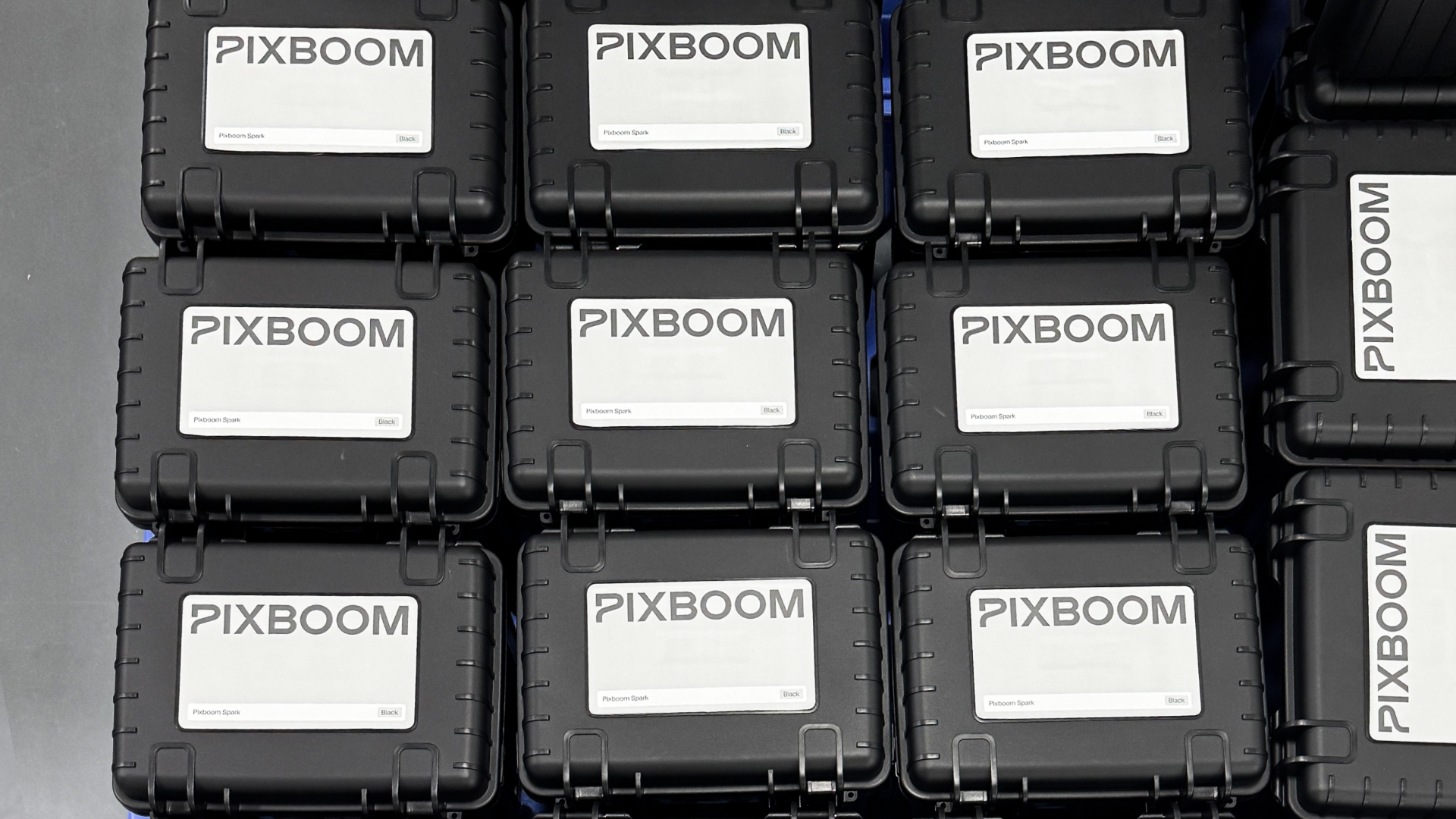
Pixboom Spark — 4K at 1000fps, continuous recording, priced under $14,000 — is shipping to customers as of May 2026. Pre-orders are on the move! If yours hasn’t shipped yet, it’s in the queue and getting ready to go. If you’ve been watching and waiting, this is the article that tells you what you need to know.
We’ll keep this practical. What’s in the box, how to get shooting fast, and where to connect with other Spark users.
What Spark Is, For Anyone Who’s Just Arrived
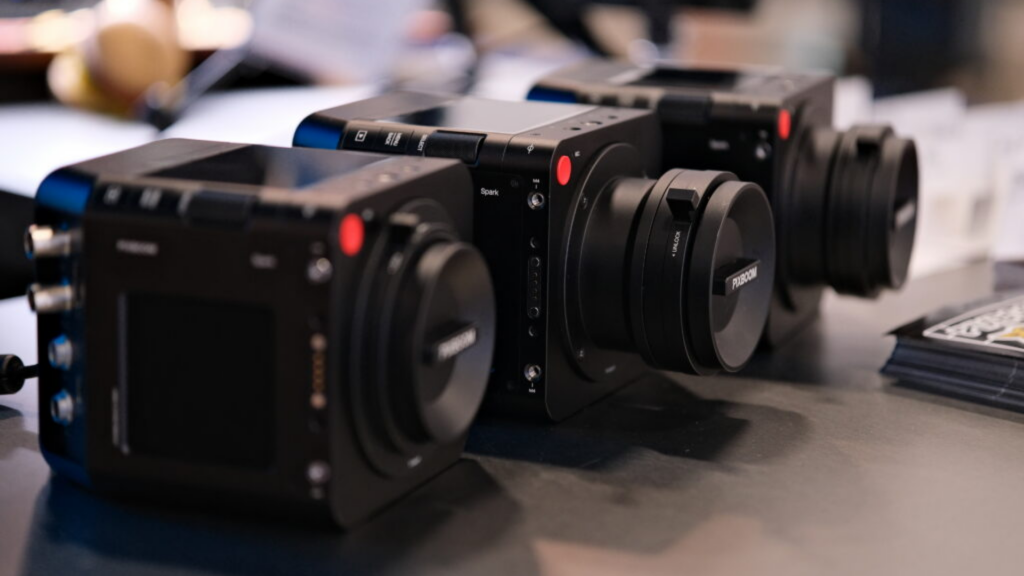
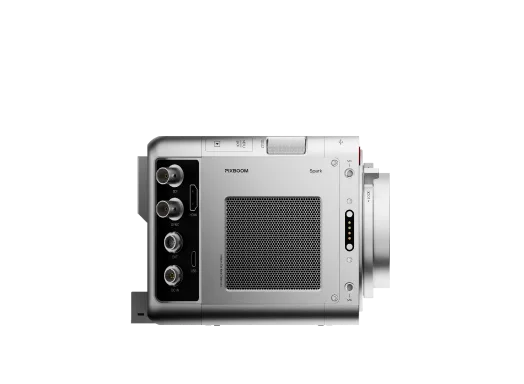
If someone sent you this link and you’re new here: Spark is a professional cinema camera that shoots 4K (3840×2160) at 1000 frames per second with continuous recording directly to a pluggable SSD drive. It ships at $13,999 and is available now.
The significance of that spec combination is this: 4K at 1000fps used to mean a Phantom rental. $1,500–$2,000 per camera day, specialist operator required, a line item on every quote that changed the conversation with clients. Spark is the camera that changes that math — not a stripped-down version of something else, not a workaround, but a camera built from the ground up to make cinema-grade high-speed shooting something a production house can own.
For a deep dive into the technical specifications—from the BSI sensor and global shutter to our SSD recording architecture—you can read more about Spark.
To see how Spark performs in the hands of creators, check out our YouTube review playlist.
This article, however, is all about what happens now that the camera is in your hands.
What’s in the Box
When your Spark arrives, you’ll find:
- The Pixboom Spark Camera × 1
- Pixboom Pro Card 2.5TB × 1
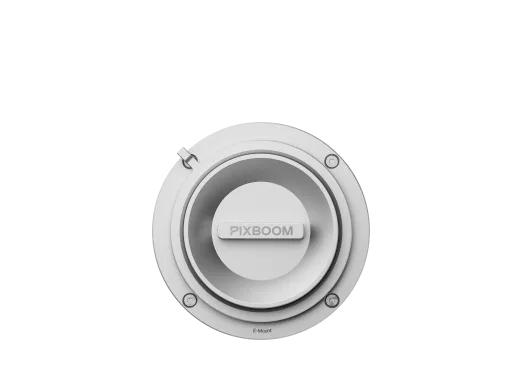
- Mount adapter(s) of your choice
- 20 Gbps High Speed Type-C Cable × 1
- AC Power Adapter × 1
- Mount Adapter Shim Kit (6 pcs) × 1
- Replacement Screws × 2
- User Manual × 1
- Warranty Card × 1
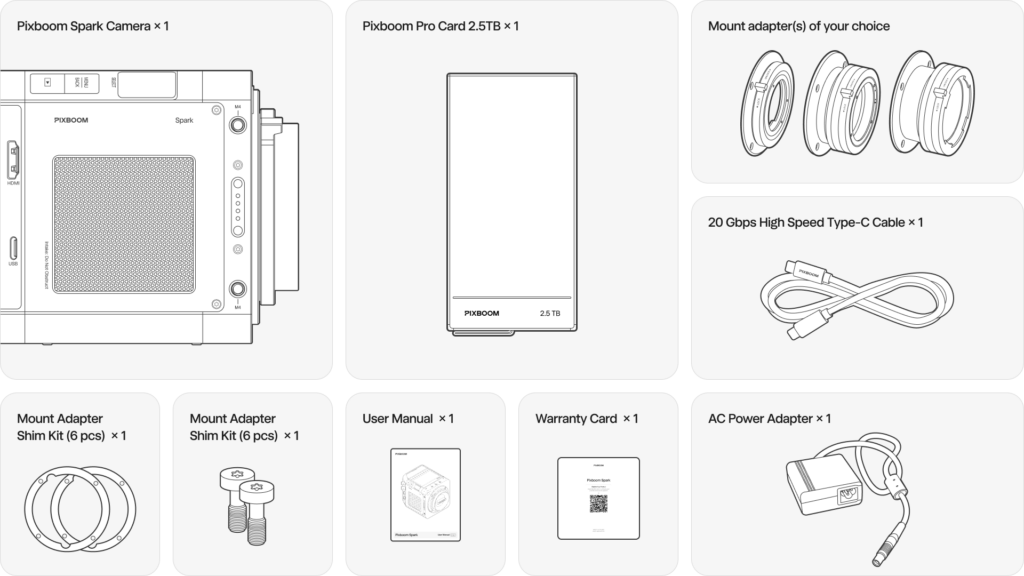
Your Spark arrives calibrated and ready for action—no break-in periods, no mandatory updates. Just attach a lens and power, and press record.
And that’s just the beginning. Your Spark is designed to evolve with you. Keep an eye on your email and our social channels for future firmware updates that will unlock even more powerful features and creative tools.
Getting Set Up
Spark is designed to integrate into a standard professional camera workflow. If you’ve shot on ARRI, RED, or Sony Venice, the file structure and output formats will feel familiar immediately.
The footage comes off the Pixboom Pro Card in RAW— standard formats that open directly in DaVinci Resolve, Premiere Pro, and Final Cut Pro without transcoding. No proprietary codec, no intermediate format, no dedicated workstation required to start editing. Mount the SSD, import, cut.
For shooters coming from a RAM-buffer high-speed camera: the workflow difference will be immediately obvious. There’s no buffer cycle to manage. You press record, you shoot, you stop when you have what you need. The AC doesn’t call “buffer full.” You run as many takes as the setup demands, not as many as the camera allows.
Lighting for 1000fps: The One Thing to Plan in Advance
Spark’s BSI sensor reduces the light required at extreme frame rates compared to traditional high-speed cameras — but high-speed shooting still requires more light than standard production work. This is physics, not a camera quirk: at 1000fps, each frame captures 1/1000th of a second of exposure, which means significantly less light per frame than at 24fps.
If you’re setting up your first 1000fps shoot, plan your lighting before you plan anything else. LED panels that are sufficient for standard work will not be sufficient here. You need high-output, flicker-free sources — HMIs or purpose-built high-output LEDs rated for compatibility at 1000fps.
The crews who get outstanding footage from their first day with Spark are the ones who showed up with the right lights. More about this soon!
How to Order
Spark is available now at [Pixboom Spark — order now].
If you have questions before ordering, support@pixboom.com is the fastest route to an answer. We’re a small team and we respond.
Go Shoot Something
The camera is out. The spec that was on the order form is the camera that’s in the box. The footage it makes at 1000fps is real, and it’s waiting for you to put it in front of a subject worth that frame rate.
Order now if you haven’t already. If you have, your tracking information is on its way.
Where Spark Users Are Gathering
Pixboom runs an active community where Spark users share footage, workflow tips, lighting setups, and questions. Pixboom’s team is in there regularly — not to moderate but to participate. If you have a question about a specific setup or want to see how other DPs are approaching a shot type, that’s where the conversation is happening.
Tagging @pixboomtech on Instagram and using #PixboomSpark when you post footage is the fastest way to get your work in front of the Pixboom audience and be featured. We’re actively looking for first-generation Spark footage to share — if you’ve got something that shows what this camera can do, we want to see it.


